What can an AI-native designer build in 24 hours?
A winning sustainable AI product
This case study is about what happens when you combine AI-powered speed with the judgment to know what AI gets wrong.
Timeline
December 2025
Team
3 Pitch presenters, 2 Front-end Judges: DMZ Japan, Y Combinator
Role
Product Designer
Skills
AI Workflow · UX Research · UI Design · Prototype
The Problem
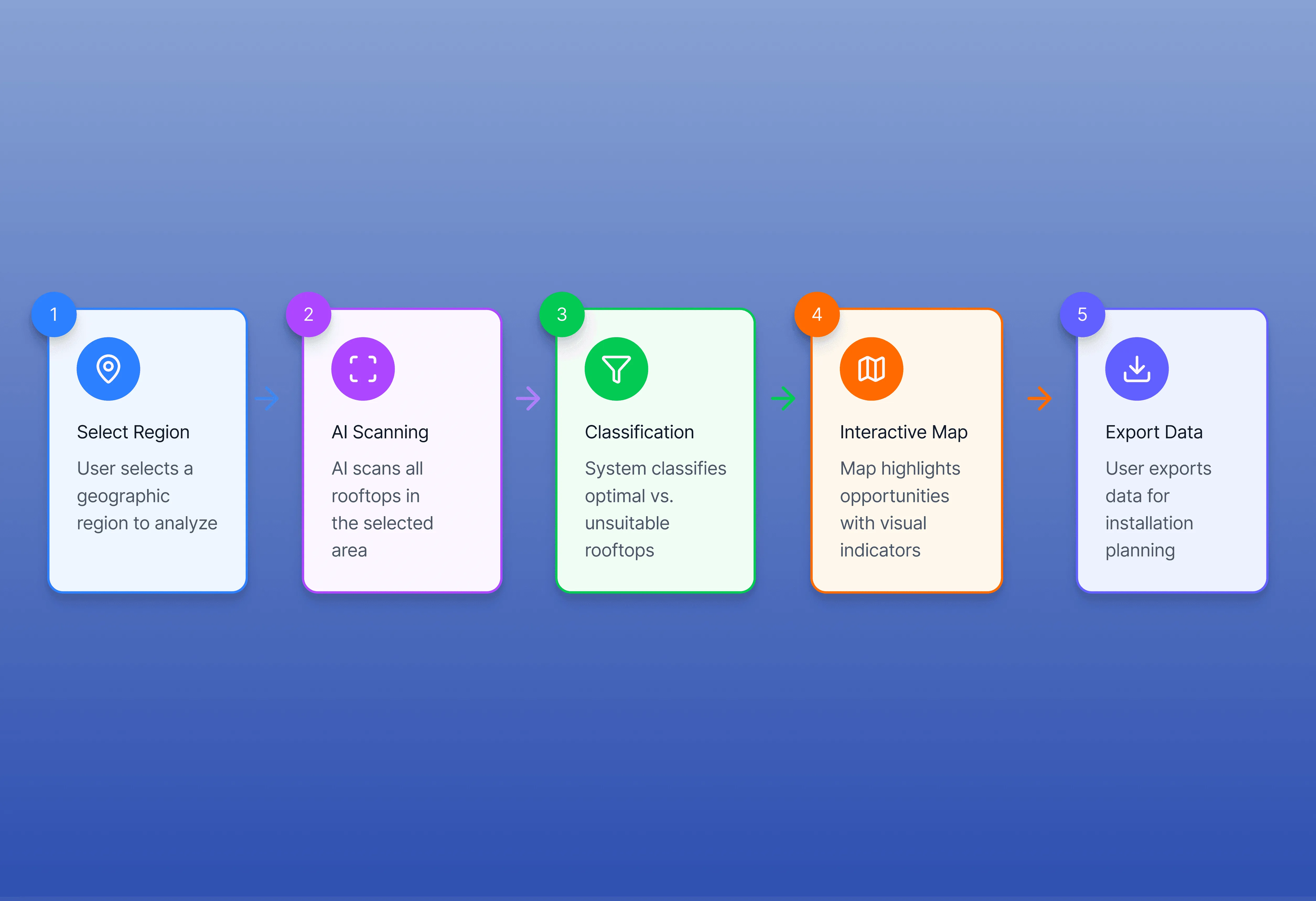
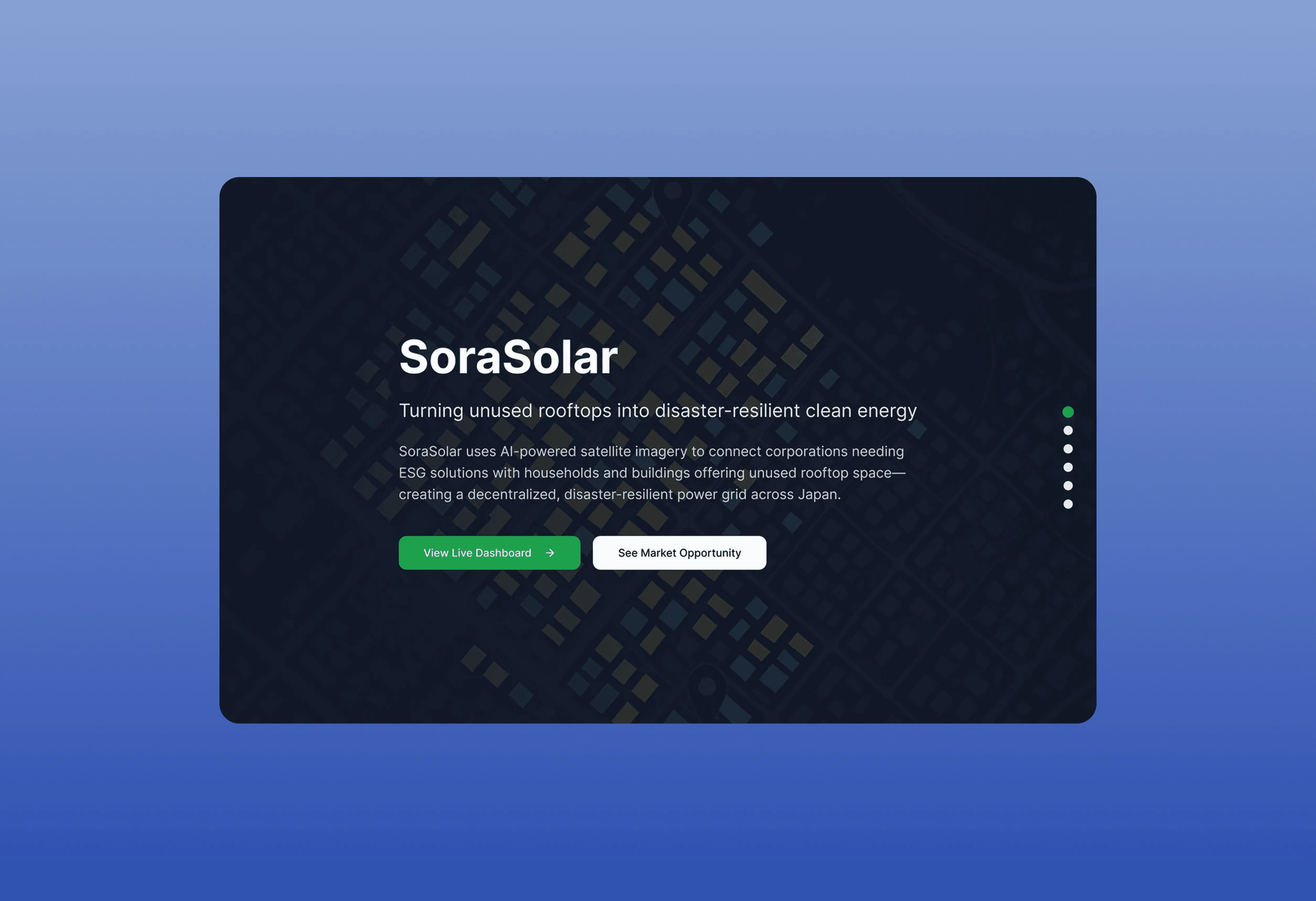
Japan needs to accelerate solar adoption. But identifying viable installation sites is slow, manual, and expensive: rooftop by rooftop, district by district. Energy providers can't move at the speed the climate requires.
The bottleneck wasn't technology. It was the speed of human assessment. AI could change that, if the interface made the output usable.
That last part is where most AI tools fail. They get you to 60%. The output is technically correct but humanly unreadable. A government official staring at a raw ML classification dump isn't going to act on it. Designing the last 40% — the layer that makes complex AI output instantly trusted and actionable was the actual design challenge.
How I Orchestrated the AI Stack
I ran three tools in parallel from the first hour. Claude for rapid research synthesis — energy landscape, disaster resilience data, SDG 7 alignment, competitive context. Loveable for prototyping the platform at a speed no traditional workflow could match. Figma for the precision layer: the interface decisions that determine whether a non-technical user trusts what they're seeing.
The key was knowing where each tool's ceiling was. Loveable got the structure to 60% fast. Claude surfaced research I'd have spent days on manually. But neither could make the judgment calls that determined whether the product was actually good: the map hierarchy, the color-coding logic, the insight summary that distilled an AI model's output into a single number a city official could put in a report.
AI got me to 60% in two hours. The remaining 40% took the rest of the day — and that's exactly where the judges noticed the difference.
The 40% - Design Decisions AI Can't Make
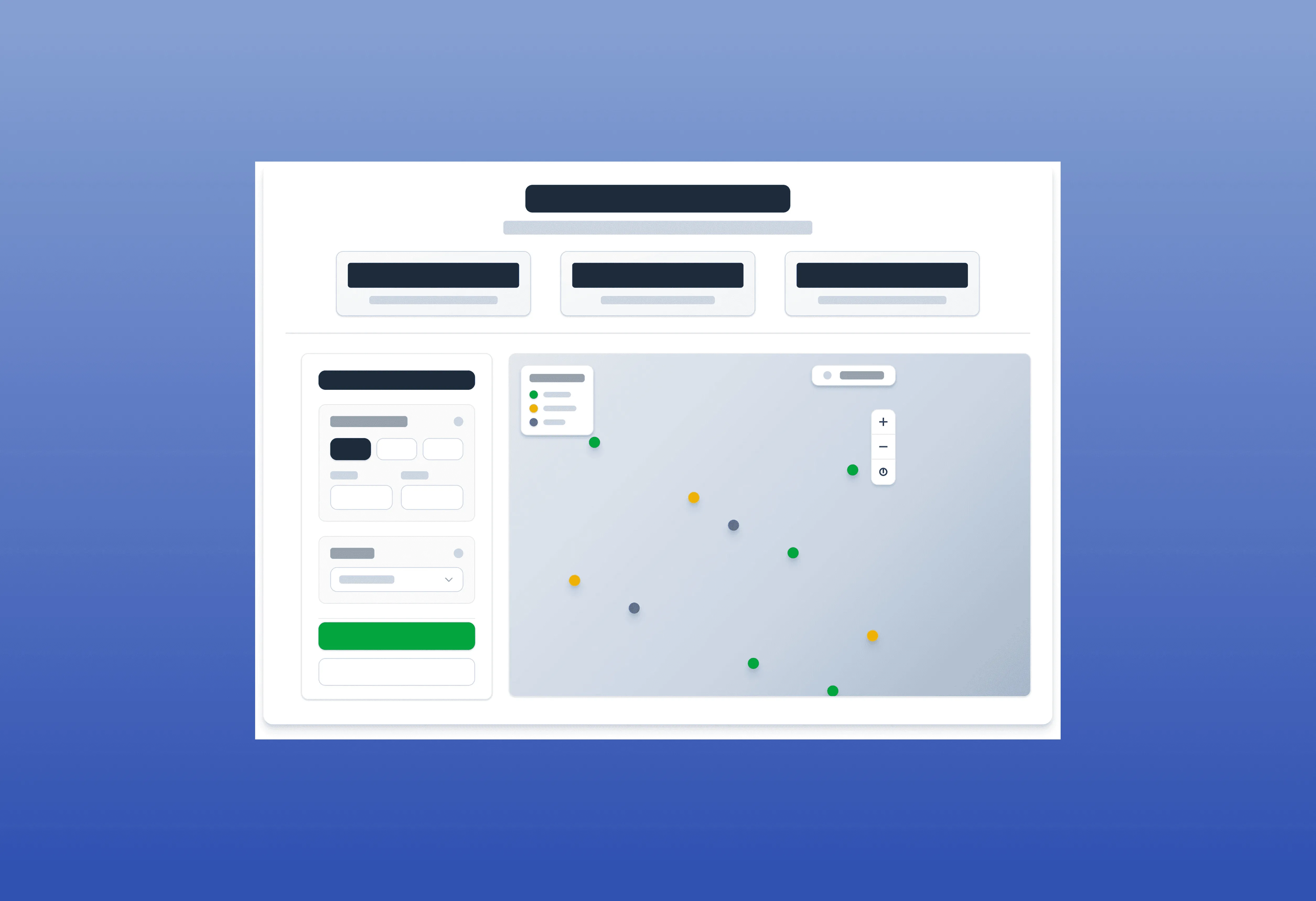
The interface was map-first. Satellite imagery as the canvas, AI classifications as color-coded rooftop markers.
Green: solar-ready.
Amber: possible.
Red: unsuitable.
That color logic sounds simple. It isn't.
The wrong palette creates false confidence or unnecessary hesitation in a decision-maker. I tested three systems before landing on one that communicated probability without overstating certainty.
The sidebar filters — roof type, slope angle, surface area, grid proximity — were sequenced deliberately. Most important decision variable first. Each filter reducing the result set in a way that felt like narrowing, not excluding. That distinction matters when you're presenting to a room that doesn't trust AI by default.
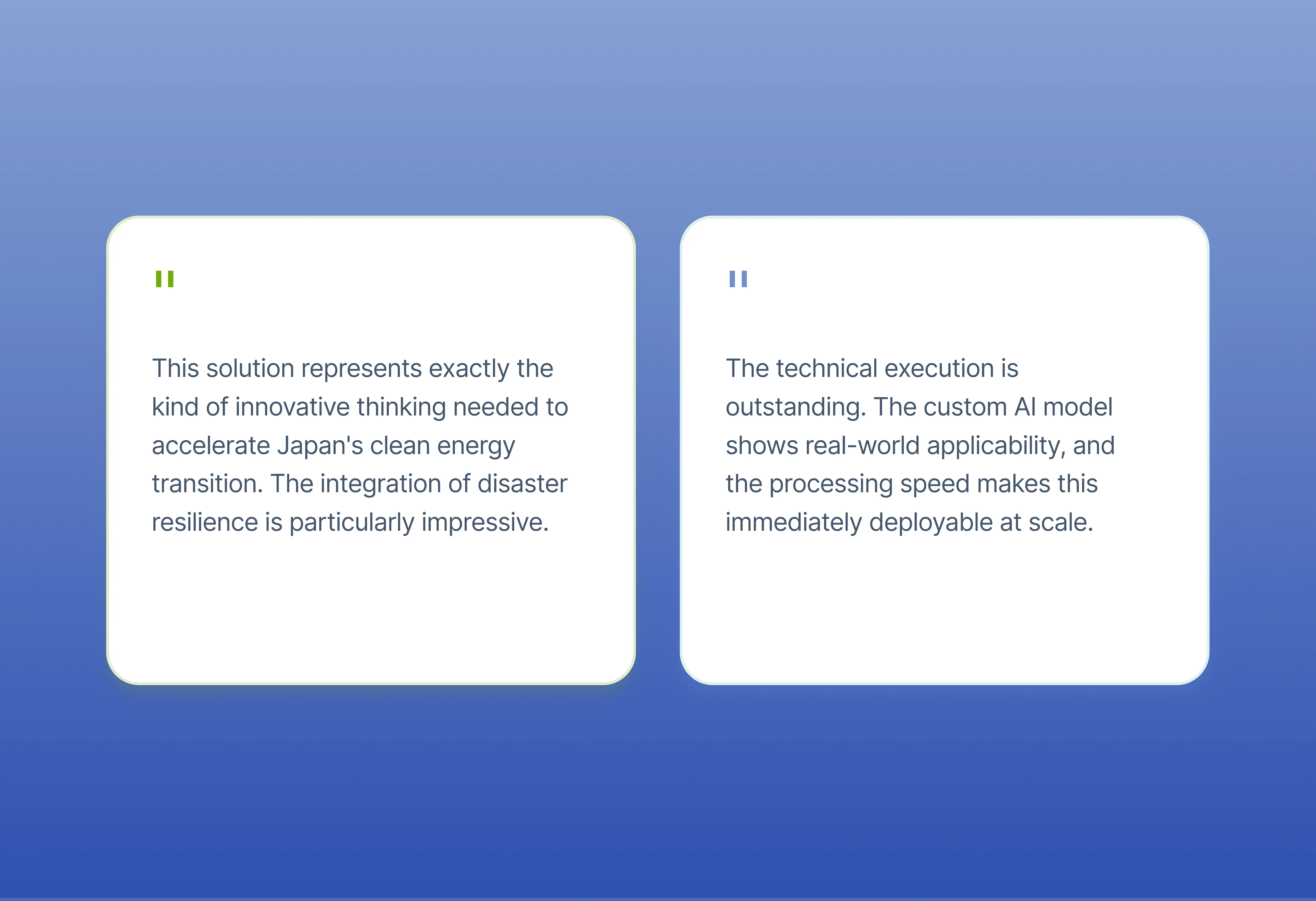
The insight summary bar was the last thing I designed and the thing judges mentioned first: '1,247 solar-ready rooftops identified in this area.' One number. Exportable. Shareable. Designed to survive being pasted into a government memo.
Who This Was Built For
Government agencies, energy companies, NGOs. People making infrastructure decisions at city and regional scale. Non-technical, high-stakes, deeply skeptical of AI outputs they can't explain to their own stakeholders.
Designing for that user is a specific skill. But thanks to my background in Environment and my teammates endless support we got to support the people and communities that actually make a difference.
What This Case Study is Really About
It's proof of what an AI-native design workflow actually produces when it's run by someone with the knowledge and care to close the gap AI leaves open.
The State of AI in Design report puts it plainly: AI gets you to 60%. The final 40%: brand consistency, interaction quality, emotional resonance, the details that make something feel trustworthy instead of just functional that's still human work.
Any designer can prompt their way to a layout. Not every designer knows what makes it good.